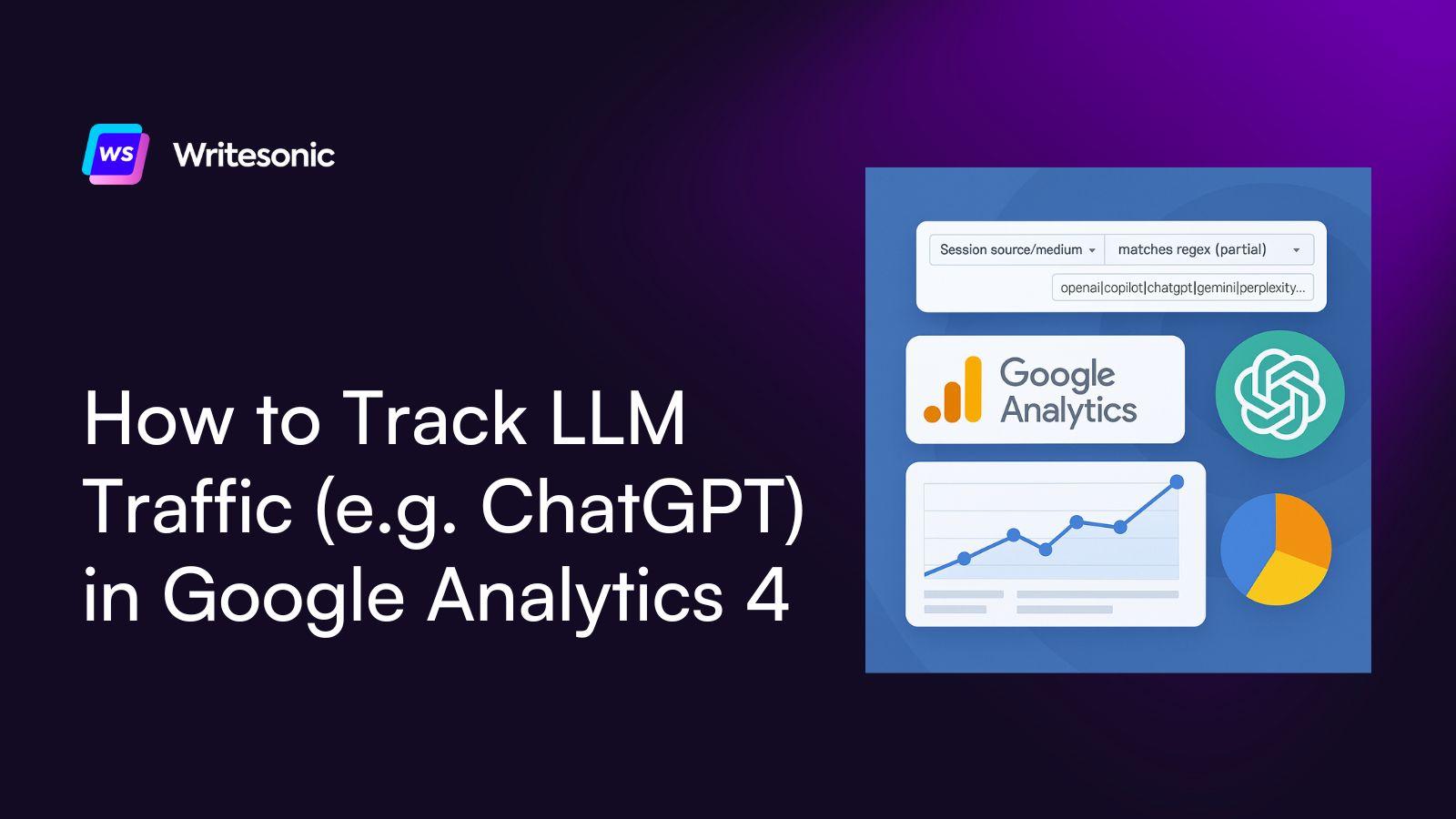
Large Language Models (LLMs) like ChatGPT are increasingly driving organic traffic to websites — especially through AI-generated answers and summaries that include links to source pages.
With Google Analytics 4 (GA4), you can now track these sessions to understand how much traffic is being referred from LLM tools.
Here’s how you can monitor and analyze LLM-generated traffic in GA4 using a custom filter.
Step-by-Step: Track ChatGPT & Other AI Tools in GA4
Here’s the step-by-step method to track traffic from AI tools in Google Analytics 4.
Step 1: Open Google Analytics 4
Start by logging into your Google Analytics 4 account.
Step 2: Open the Traffic Acquisition Report
Once you’re in, look to the left-hand menu on the homepage.
- Click on Reports
- Then expand the Lifecycle section
- Under Acquisition, click on Traffic Acquisition
Step 3: Add a Filter for Session Source/Medium
Now that you’re in the Traffic Acquisition report, scroll down.
- Click on the plus (+) sign next to the filter bar
- Choose Session source/medium as the dimension
This will allow you to see sessions grouped by the source — such as Google, Bing, or ChatGPT.
Step 4: Apply a Regex Filter for LLM Traffic
Before applying a custom regex filter, scroll to the top to apply the filter options.
Then:
- Click on Add Filter at the top
- Again, choose Session source/medium as the dimension
Now it’s time to apply the filter that will isolate traffic from various LLMs.
- Under Match Type, select “matches regex (partial)”
- In the Value field, enter the following regex string:
openai|copilot|chatgpt|gemini|gpt|neeva|writesonic|nimble|perplexity|google.bard|bard.google|bard|edgeservices|bnngpt|gemini.google
This regex covers major LLMs and AI-powered tools currently driving traffic.
You can also choose a few AI engines from the regex string. For example, I chose ChatGPT, Gemini, and Perplexity here:
Step 6: Apply the Filter
Click Apply to finalize the filter.
Now when you scroll down in the report, you’ll only see sessions that match the LLM traffic sources you’ve defined — such as ChatGPT, Perplexity, or Gemini.
Step 7: Analyze Key Metrics for Each LLM
You can now dive deeper into engagement metrics like by scrolling to the right and selecting the respective filters:
- Sessions
- Average engagement time
- Conversions
- Key events
However, tracking sessions alone for AI search isn’t enough
Though you can track sessions from LLMs in GA4 using regex filters, this method has its limitations:
- You can’t see which exact pages are being referenced or linked by the LLMs.
- You don’t know what the AI is saying about your brand, product, or content.
- You lack insight into user prompts or context that led to the click.
- You can’t track sentiment, accuracy, or intent behind the traffic.
To go beyond session-level data, you need a dedicated AI traffic intelligence tool like Writesonic that lets you track traffic, see granular insights about the brand mentions and sentiment, and give suggestions and tools to improve your AI presence.
With Writesonic, you get:
- Visibility into which LLMs are sending traffic to your site.
- Insight into the prompts, answers, and topics that reference your brand.
- Monitoring of AI-generated brand mentions, sentiment, and intent.
- A competitive edge in optimizing content for AI-first discovery.
Writesonic helps marketers move from guessing to knowing — giving you the full picture of how AI is shaping your web traffic and how you can turn it into an opportunity.
Ready to improve your AI search visibility?

The #1 brand in ChatGPT changes 52% of the time.
Get the report and find out why.

Niyati Mahale is a SEO/GEO Content Writer @Writesonic. She specializes in artificial intelligence and B2B, with a flair for combining effective storytelling and SEO best practices to create impactful content.