Your project managers, sales associates, content strategists, and interns all have access to your GEO dashboard.
While this is expected for any cross-functional project, not everyone needs to see everything. And everyone definitely shouldn’t be able to modify everything.
Until now, you’ve only had one choice: give everyone full access to the entire dashboard, and hope they don’t trip and do something they aren’t supposed to.
That changes today with Role-Based Access Control (RBAC): a way to give each team member the access they need to the GEO dashboard, and nothing more.
Meet RBAC: Precise Control Over Your GEO Workspace
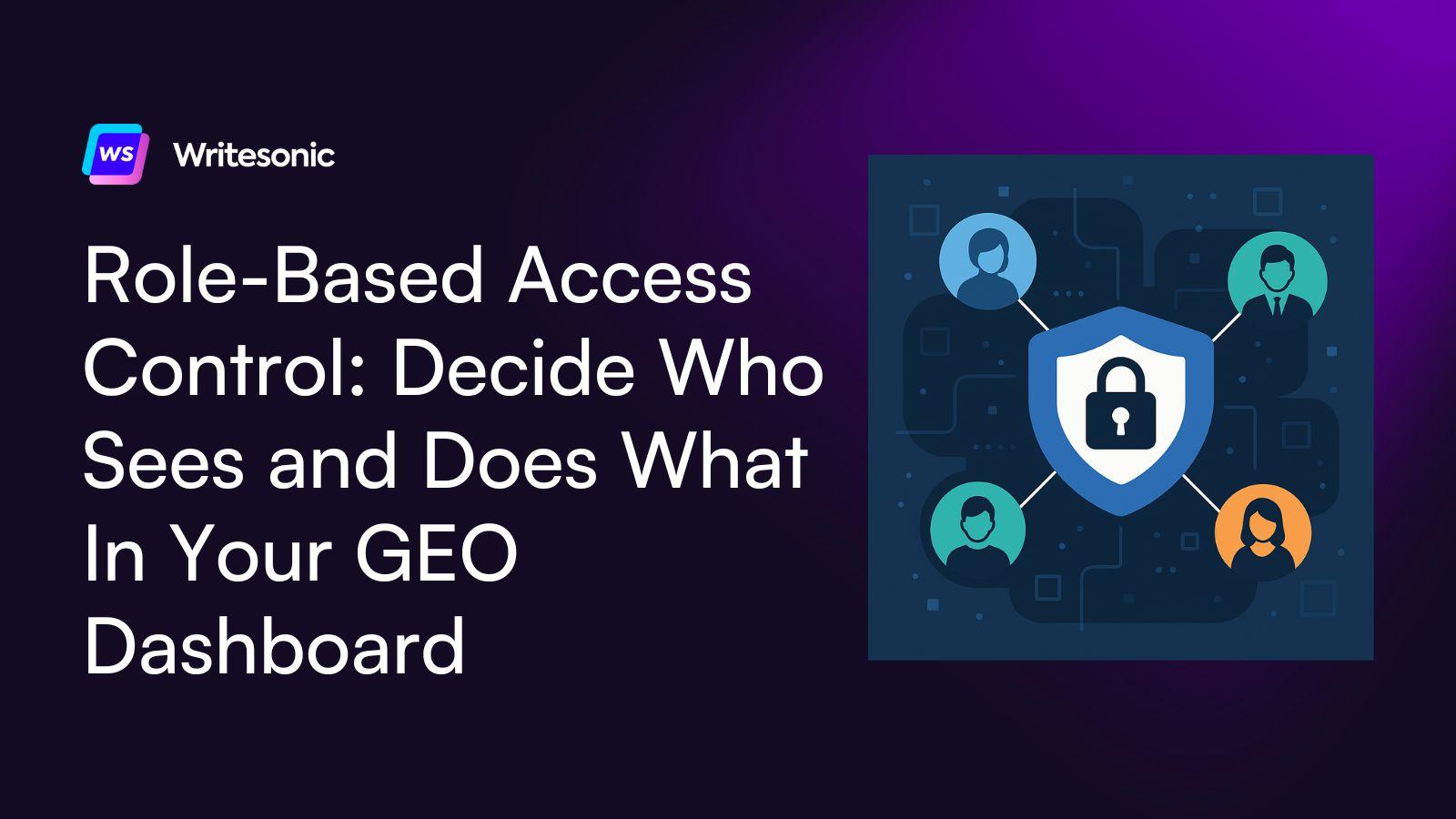
RBAC introduces structured, purpose-defined roles across the Writesonic dashboard so everyone gets access based on their responsibilities.
With four distinct roles (Owner, Super Admin, Admin, and Member), you can control who manages settings, who edits projects, and who simply views dashboards.
Here’s what you can do with RBAC:
Keep Sensitive Controls Limited to Workspace Leadership
Some parts of GEO, like managing projects, assigning team members, editing configurations, or giving access to external partners, should only be handled by your most trusted team members.
Owners and Super Admins now hold that responsibility. They can manage the entire workspace, invite teammates, assign roles, and oversee every project. These roles give you top-level control while keeping core settings safe from accidental changes.
Let Contributors and Stakeholders View and Edit (With Guardrails)
Content teams, executives, analysts, and external consultants often need visibility into AI performance with a few editing permissions.
Members now get exactly that: permission to view insights and edit prompts, topics, and tags, but no ability to touch configurations or impact critical workflows.
It’s the perfect way to give visibility without giving control.
Protect Confidential Projects With True Data Separation
GEO projects often contain sensitive information, such as unreleased campaigns, competitor intelligence, or client data.
RBAC lets you assign Admins to only the projects they’re responsible for, ensuring they can’t access anything outside their scope. If they’re managing one brand or market, that’s all they’ll ever see.
This keeps confidential work protected and gives you the confidence to collaborate with multiple clients while still maintaining data privacy. Admins get the access they need to execute their work, while the rest of your workspace stays private and secure.
AI Visibility Access Tailored For Your Whole Team
RBAC is now live for Business and Enterprise plans. We’re excited to share this new rollout, but we’re not stopping here.
As your AI visibility operation grows (more projects, more team members, more clients), we’ll be right there giving you the tools to scale without compromising data privacy or risking accidental configuration changes.
Set up your team. Control who sees which projects. Give everyone the right permissions for their role.
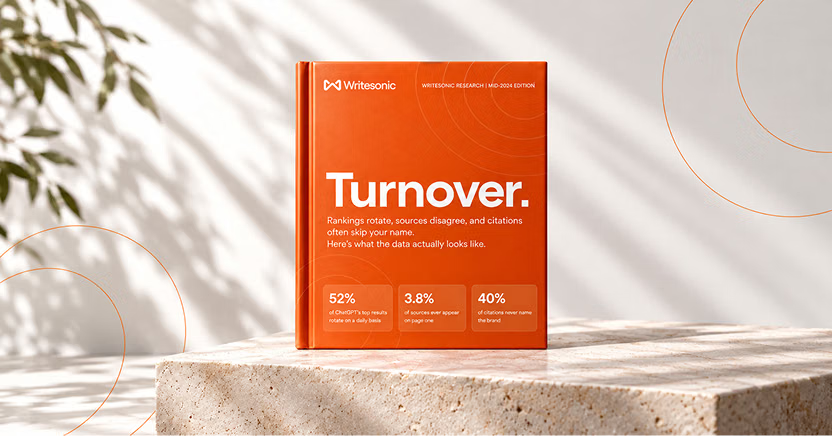
The #1 brand in ChatGPT changes 52% of the time.
Get the report and find out why.

Niyati Mahale is a SEO/GEO Content Writer @Writesonic. She specializes in artificial intelligence and B2B, with a flair for combining effective storytelling and SEO best practices to create impactful content.